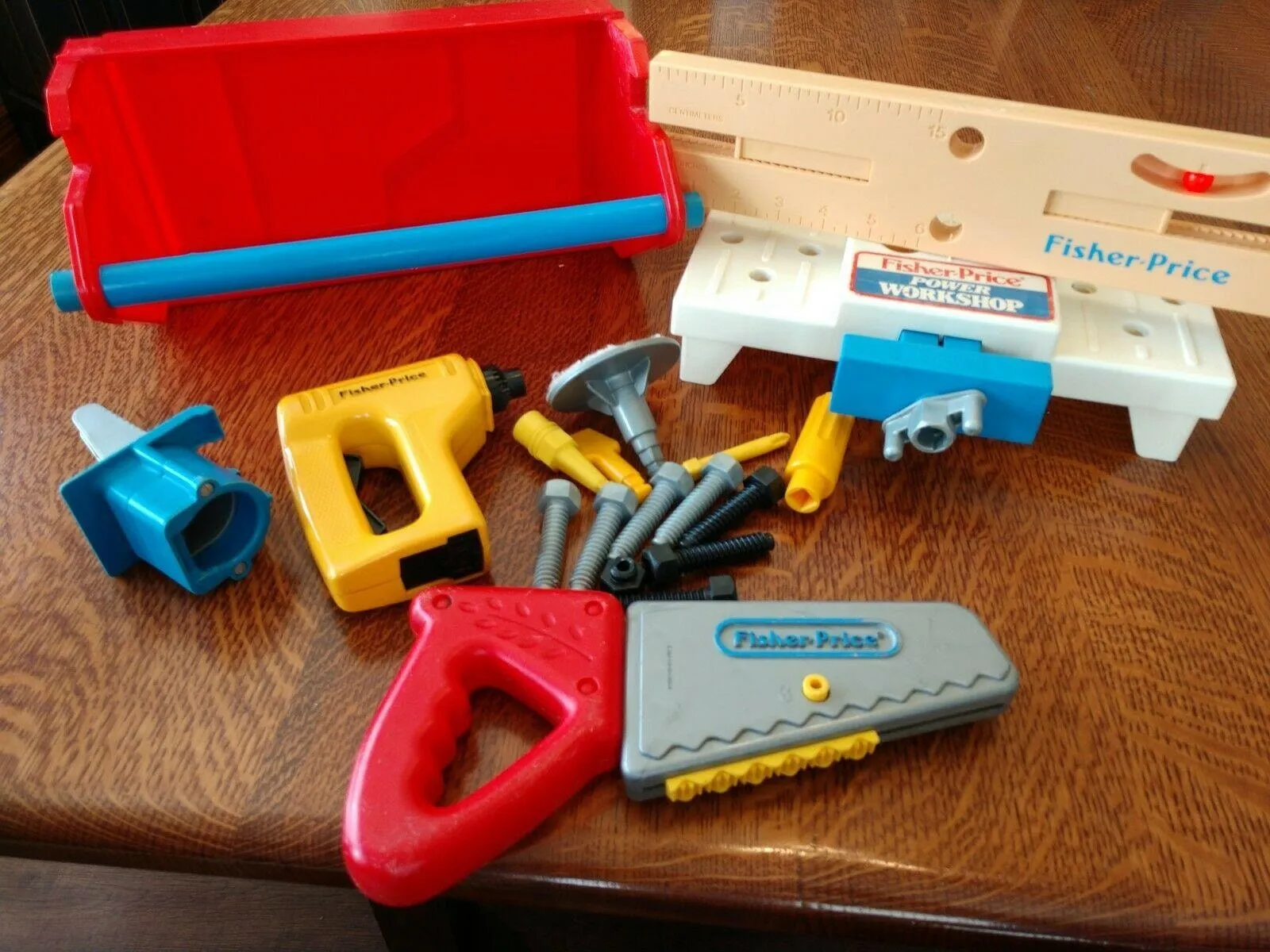
When I was growing up I had a toy workbench that got a lot of use. It had survived in storage until I recently spotted it and decided to dust it off for its next owner. Some attachments had gone missing and the connections between drill and bits had become quite loose, so I decided to 3D print some replacement parts.
I had already used Claude and OpenSCAD to design a small plastic foot for a tray to replace one that had broken, so I decided to invest some time and effort in a pipeline to improve designing models in OpenSCAD. OpenSCAD is a programming language for CAD rather than a click-and-drag CAD tool. Dimensions are variables and shapes are functions, so there’s no mouse-driven interface or feature tree. You describe objects in code to build parametric models, which makes it ideal for use with coding agents like Claude or Codex, etc. The code is in a GitHub repo if you are interested.
Replacing the broken/missing parts
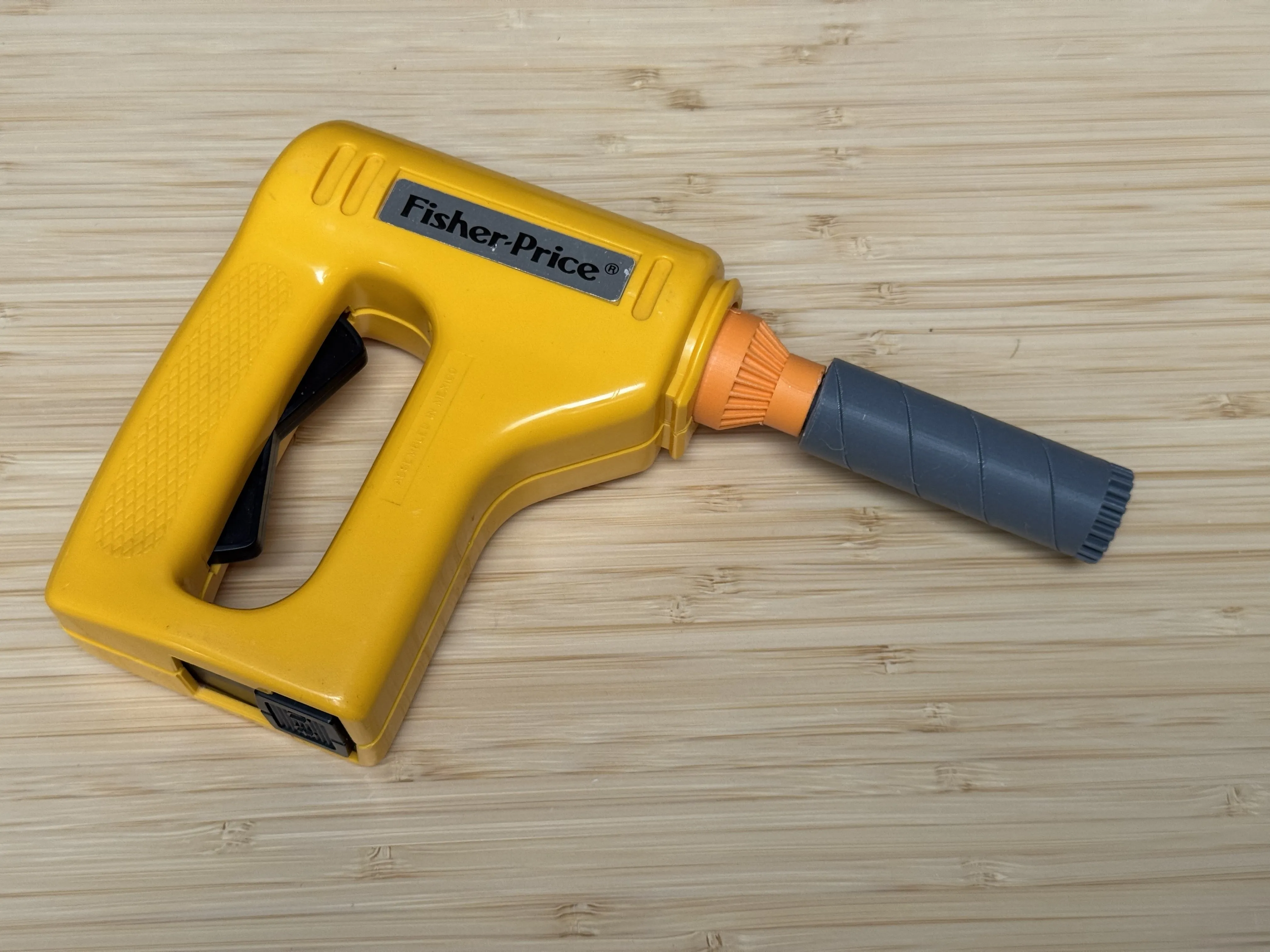
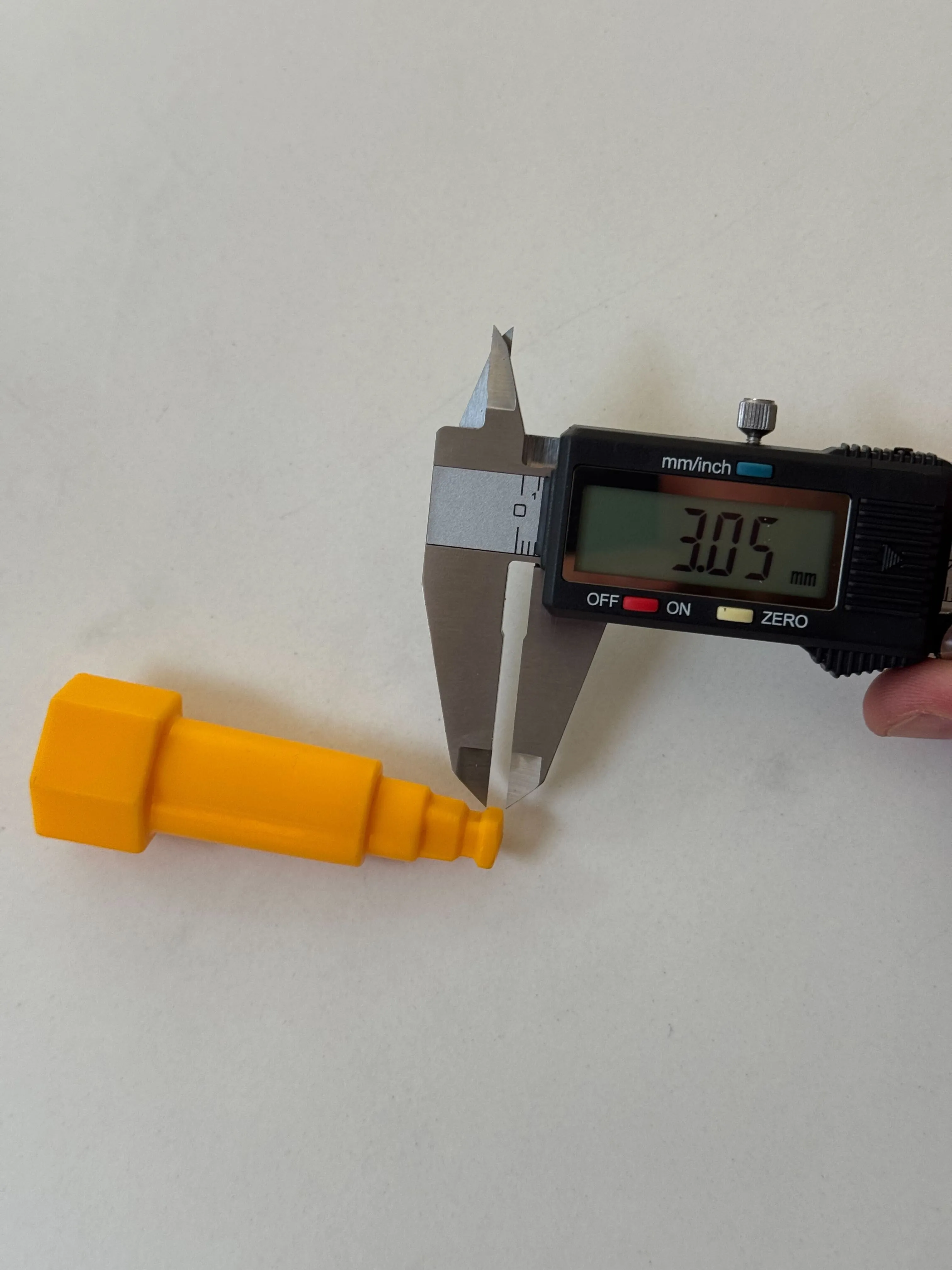
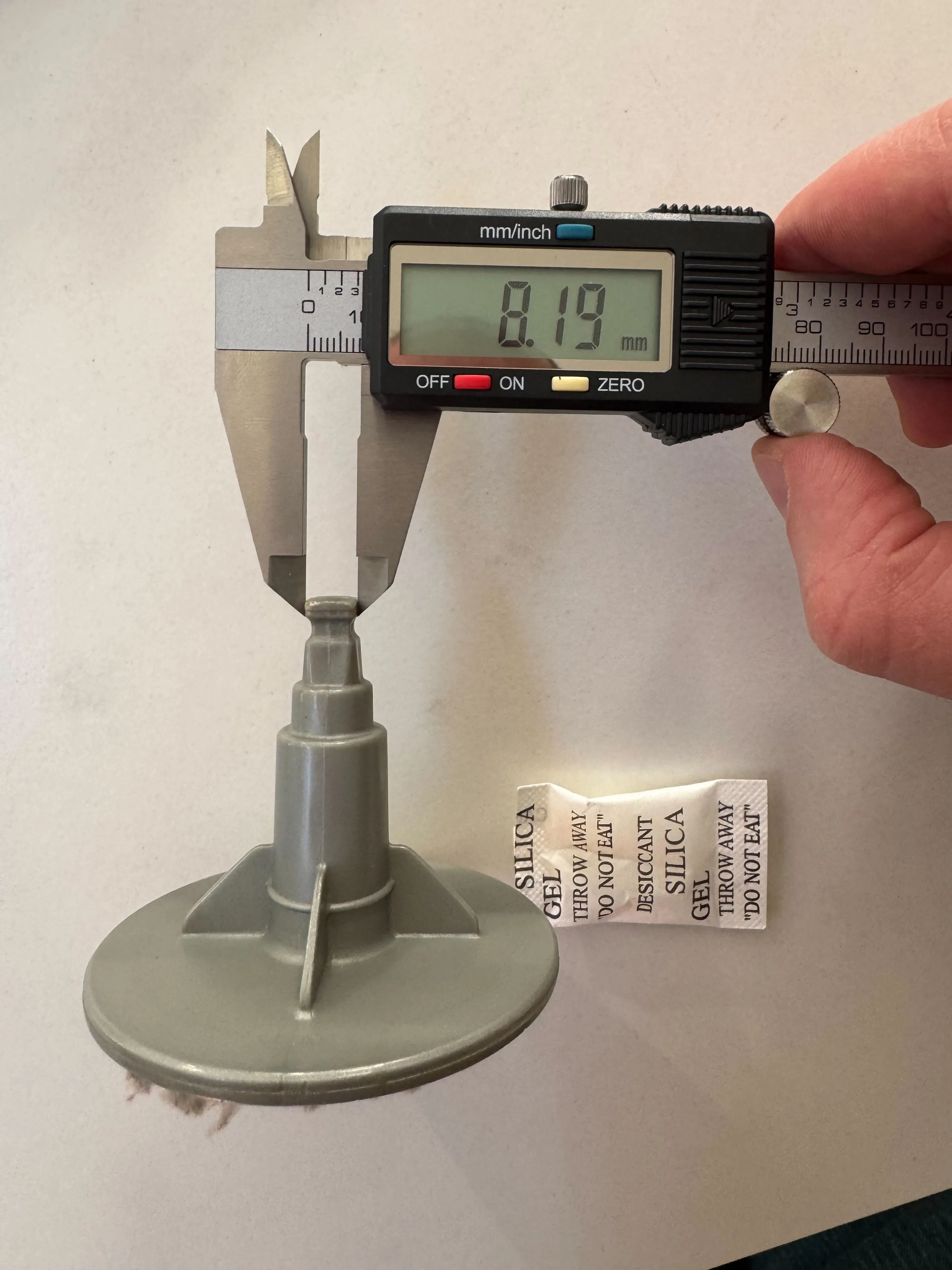
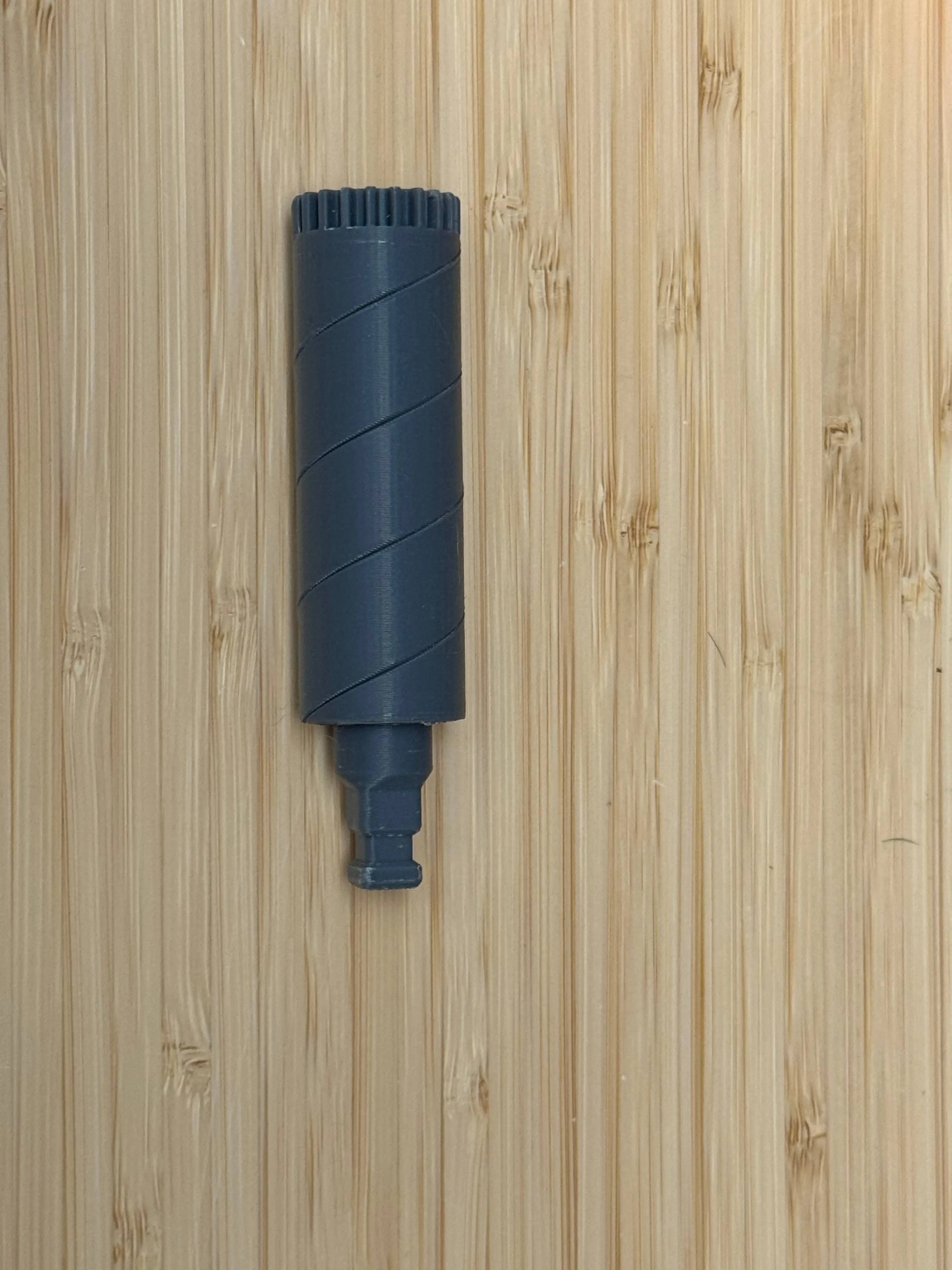
The drill bits, screwdriver heads, etc, all use the same male/female connection to plug into the toy drill, so getting an accurate model of that was the first task. Getting the fit right required a few iterations, I created minimal male and female connectors to cut down on waste during this phase. My first attempt with a full ridge was so tight the shaft wouldn’t go in, and when I forced it I was going to crack something. The fix was to stop running the ridge all the way round and instead concentrate it at the four corners only, so there’s enough material to grab and hold but the shaft can still push past with a firm shove.
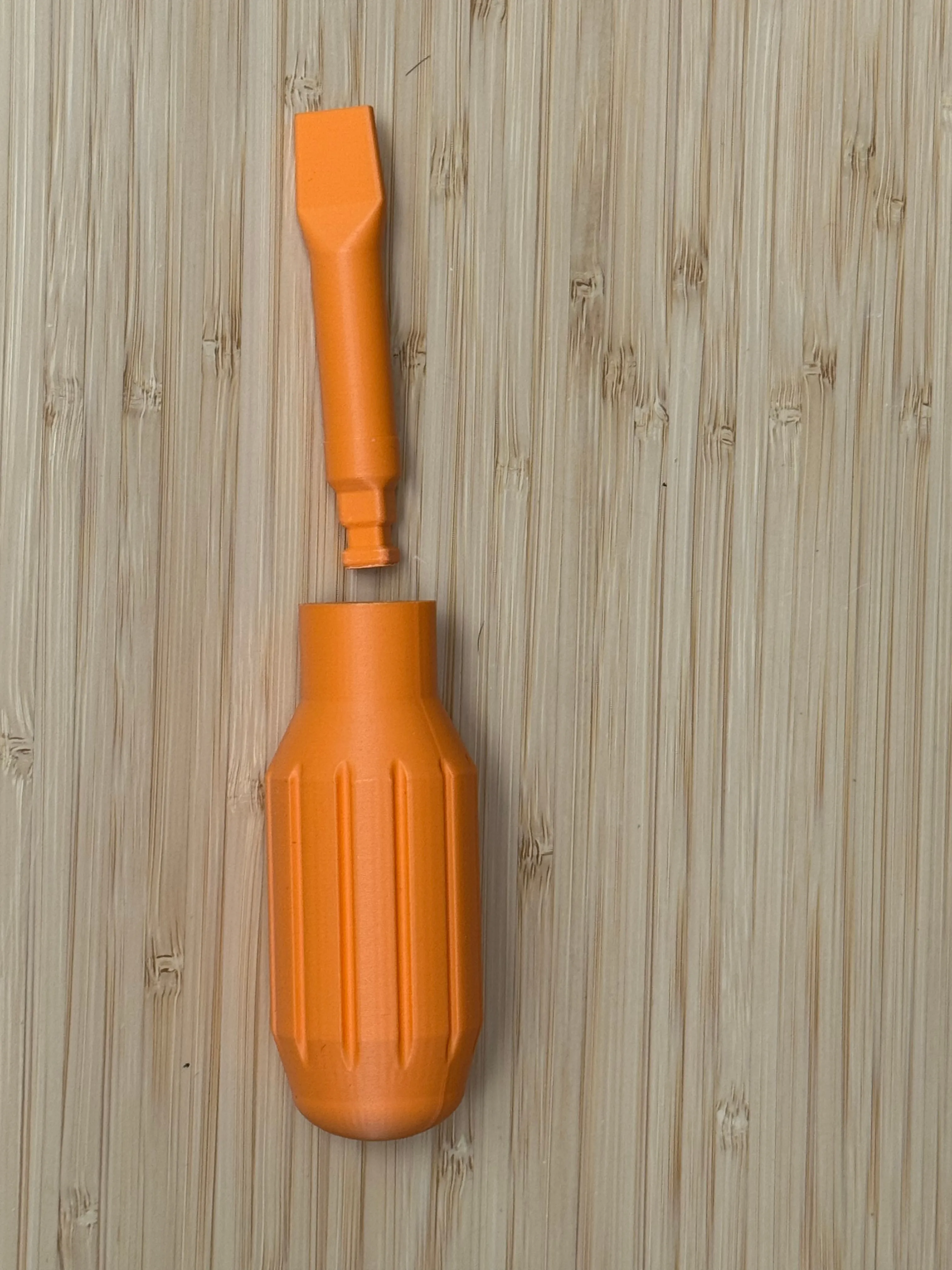
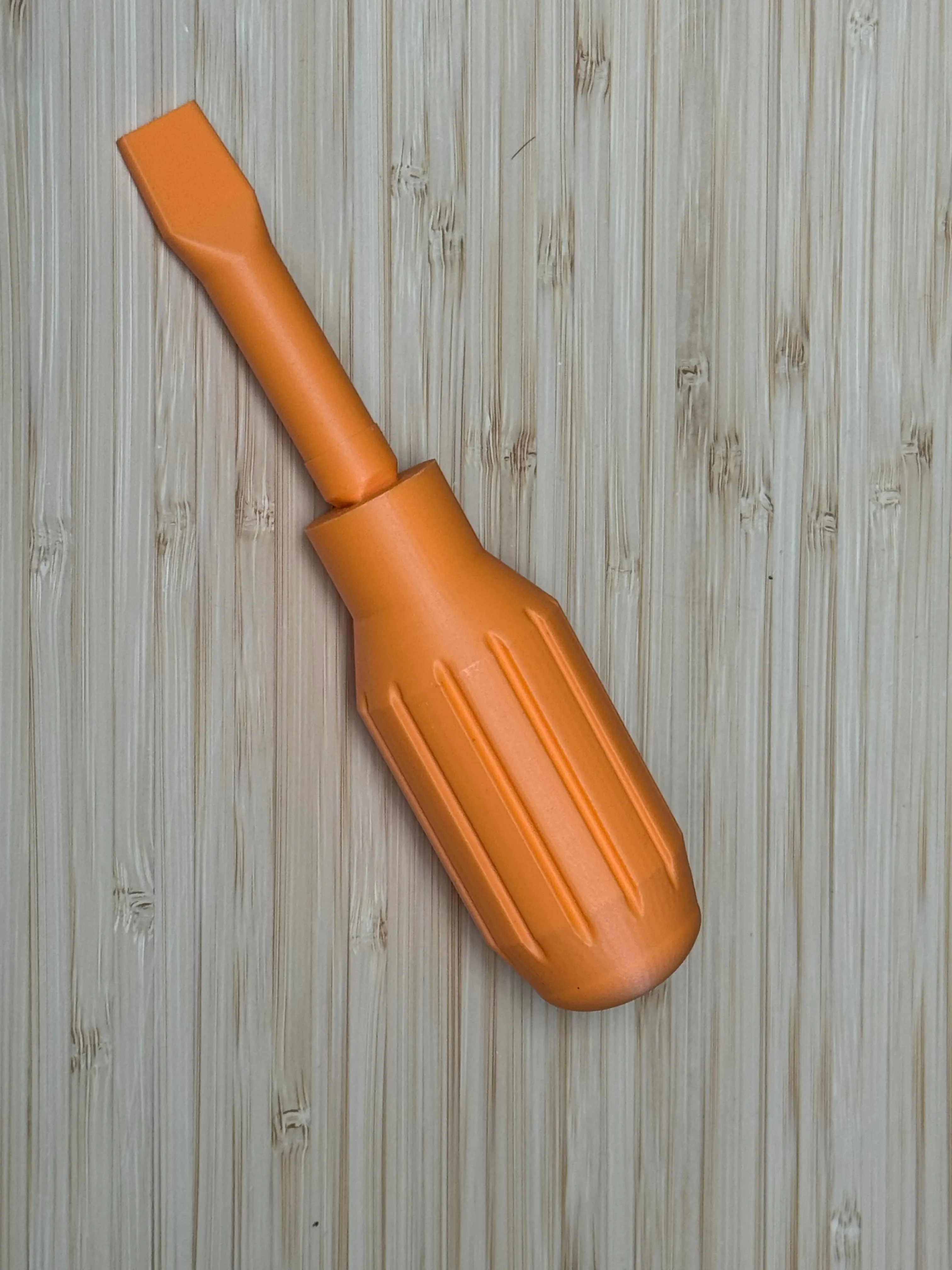
With the connection spec pinned down, the first full part that I printed was a new screwdriver handle that had been completely lost. Producing the model of the handle was a one-shot for Claude. It doesn’t mirror the original handle exactly but I do like the chunkier grip.
Next up I replaced the female socket on the drill since it wasn’t holding bits (new or old) in snug any more. This piece took the most iterations of all the pieces in this project, due mainly to internal measurements of the piece that I did not capture initially and could only determine through trial & error.
I had lost the original drill bit, but measurements of the holes that it “drills” and marketing images of the original piece were enough to let Claude recreate the piece for me.
Supporting Infrastructure
I ended up building a range of features around the actual modelling to improve the workflow. I wanted to be able to describe a model and have everything else just happen, so I put together a GitHub Actions pipeline that does exactly that.
Creating a GitHub issue for a new piece or for changes to an existing piece, lets Claude refine the requirements before opening a PR. Once a PR is open, the CI:
- renders the STL and stores it in S3
- posts a comment back to the PR with thumbnails of the model from different angles
- publishes a single-page site with interactive Three.js viewers so I can explore the model.
It’s all live at bstjohn.net/3d-models if you want to spin any of these around yourself.
The models also ship a small manifest exposing some of its dimensions as sliders. Clicking Customize loads a WebAssembly build of OpenSCAD that re-renders the part in the browser with the updated parameters. It’s slower than running OpenSCAD natively and it pulls down a few megabytes the first time, but it means you can tweak a part without installing anything.
Other Models
I’ve been using the pipeline to generate some other models too. I created some blast gates for a dust extraction system in my workshop. I created these with only two prompts.
Vacuum system uses pvc pipes, external diameter 50mm. Need blast gates to enable/disable flow to different sections
Followed by
Two issues
- Doesn’t quite fit the 50mm pvc pipe. Make the diameter 1mm wider
- No way to mount the blast gates. Add a plate with 4 holes for screws opposite the side that the blade exits
Models composed of simple geometric objects are where Claude & OpenSCAD really excel.
Another quick win was a laptop stand — a vertical dock made of two swept arch ribbons joined at their feet, with a central slot the closed laptop slides into edge-down. Because the slot width is a parameter, anyone can punch in their own laptop’s thickness and re-render it in the browser.
Claude is also good at sourcing datasets for models. I used it to fetch the terrain data for some ski fields in New Zealand around Lake Wakatipu. I thought I’d like it as an office decoration but I haven’t committed to actually printing it yet. I think I’d like a bit more realism in the snow line which is currently a single altitude across the whole terrain.
Most of these models have been generated purely by talking to Claude or another agent. There have been times though when the language barrier to communicate a geometric idea proved too high. For the laptop stand, I tried to get Claude to fix the orientation of one particular face with a few rephrased requests before I gave up and dived into the code myself. Once I was looking at the actual names Claude was using for dimensions and surfaces I could easily frame the request in terms it understood. For the majority of cases though, I’ve purely been reviewing models and asking for refinements and alterations in plain English
Comments
Comments are powered by Bluesky. Reply to the linked post to join the conversation.